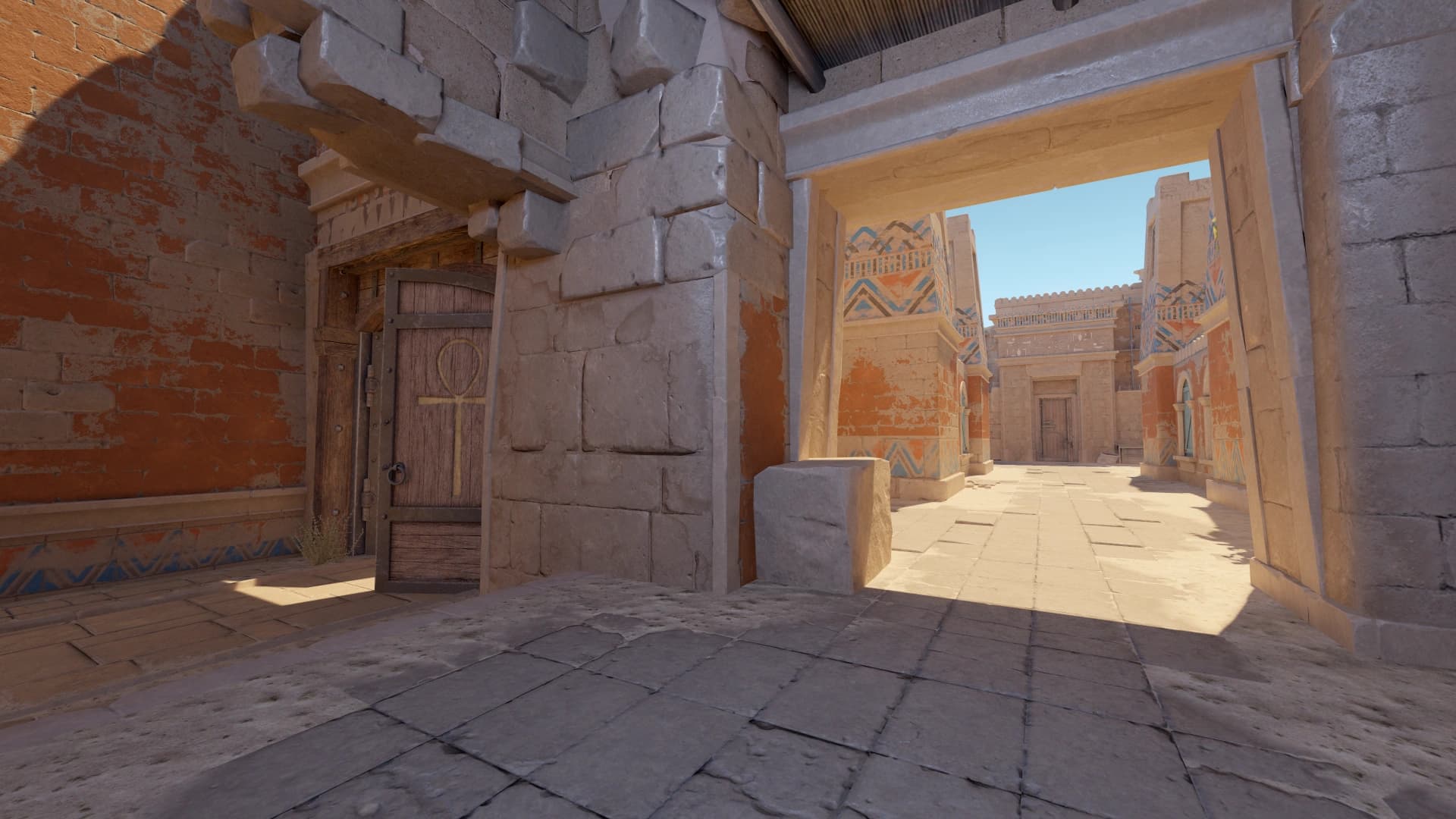
Keep practice fast
The point of a practice config is to remove friction. You should be able to load a map, start a drill, reset, and repeat without typing commands every time.
A practice config should remove friction from repetition. You want fast grenade resets, infinite resources when needed, clear feedback, and simple commands you can trust.
A useful CS2 practice config setup baseline should be easy to describe and easy to repeat. If you cannot explain why a value is there, treat it as temporary until testing proves it belongs.
- Write down the exact CS2 practice config setup value you are testing.
- Compare it against your previous setup before deleting the old one.
Grenade practice
Use commands that show grenade trajectory, allow infinite utility, and extend round time. Then drill the same lineups until the movement is automatic.
- Judge comfort during real round pressure, not only in a clean preview.
- If the setting creates hesitation, simplify it.
Bot and aim practice
Bot commands are useful for angle clearing, pre-aim, and spray transfer routines. Keep them separate from grenade practice when possible.
- Use the same routine every time you compare changes.
- Separate first impressions from results after several sessions.
Do not overbuild it
A small reliable practice config is better than a giant one you do not understand. Add commands only when they solve a real training problem.
The best practice configs separate utility work, aim work, and team theory. That keeps sessions focused instead of turning practice into random server time.
- Keep the final version stable for at least a few play sessions.
- Review it only when you can name the problem you are solving.
Using Practice Config in matches
The value of CS2 practice config setup only shows up when it changes what you notice, how confidently you move, or how quickly you can commit to a fight.
- Try it in one full map session before calling it final.
- Watch whether it helps under utility, pressure, and time limits.
- Ask whether it reduces hesitation or creates another thing to manage.
- Keep notes after matches so the next tweak has a clear reason.
Practice Config mistakes to avoid
Most problems with CS2 practice config setup come from copying too broadly, judging too quickly, or changing several values at the same time.
- Do not judge the setting from one screenshot or one warmup map.
- Do not change multiple major settings during the same test.
- Do not copy a pro setting if it creates discomfort on your gear.
- Do not delete the old version before the new one is proven.
When to revisit Practice Config
Do not rebuild CS2 practice config setup every time you have a bad game. Revisit it when there is a pattern, a hardware change, a resolution change, or a CS2 update that genuinely affects how the game feels.
- Review after hardware, resolution, driver, or CS2 updates.
- Review when the same problem appears across several sessions.
- Avoid emergency changes right before serious matches.
- Archive the previous stable setup before testing the new one.
Practice Config checklist
Use this checklist whenever you tune CS2 practice config setup. It keeps the process repeatable and makes future changes easier to understand.
- Confirm grenades, money, round time, and restart commands work.
- Separate solo utility practice from live aim practice.
- Keep the command list short enough to remember.
- Save successful lineups with notes or screenshots.