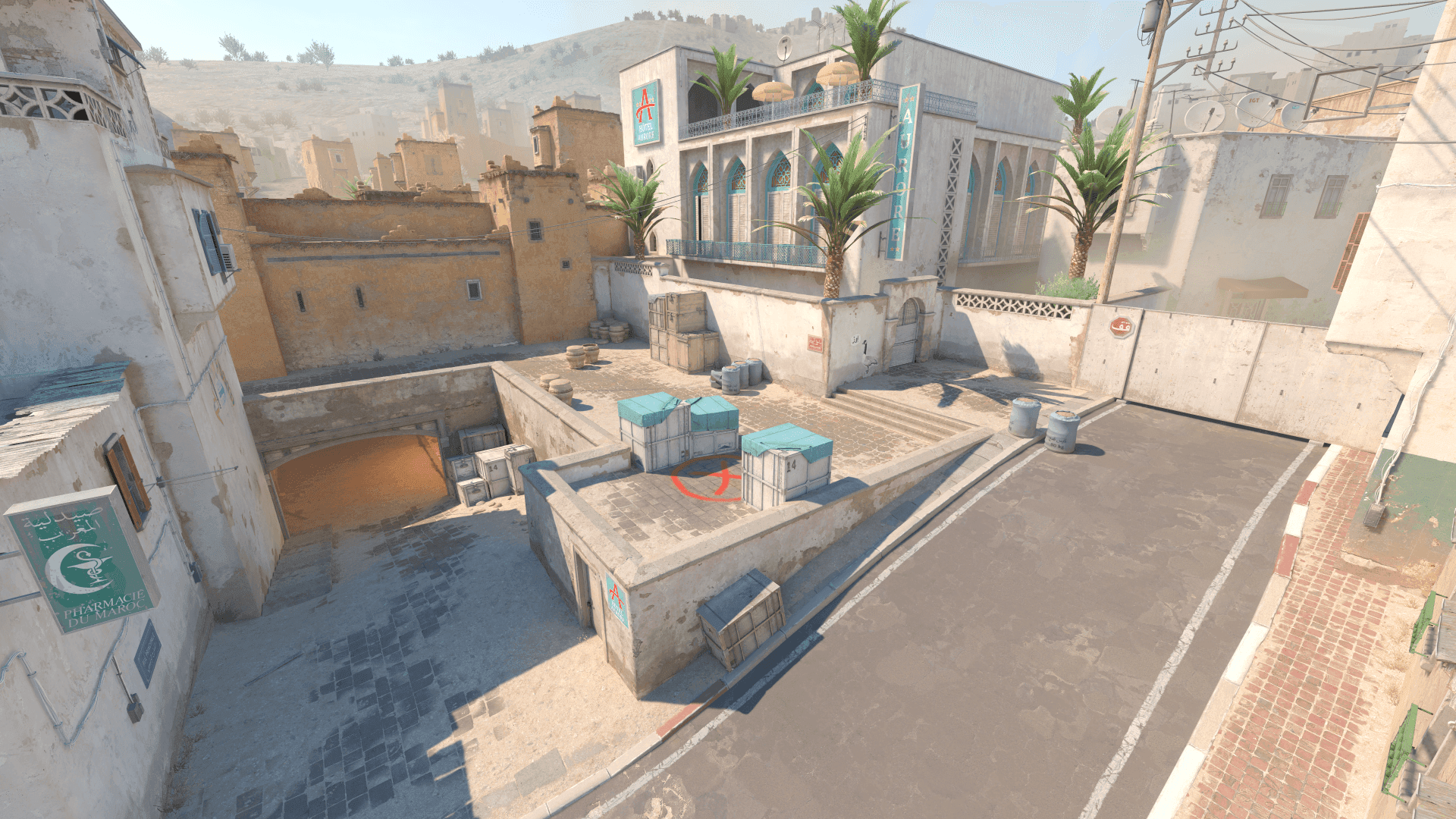
How to Import and Share CS2 Crosshairs
How to import CS2 crosshair codes, share your own setup, save backups, and avoid losing working crosshair commands.
Published
May 24, 2026
Updated
May 24, 2026
Read time
4 min
Intent
Import and share CS2 crosshair codes
Save your current crosshair before importing a new one.
Test imported codes on several maps before using them in matches.
Keep a shareable backup of your favorite setup.
Importing is safest when your current code is backed up.
Shared crosshairs need context to be useful.
Save before importing
Before testing a new code, copy your current crosshair somewhere safe. This lets you revert quickly if the imported setup feels wrong.
Importing and sharing crosshairs makes testing faster, but it also makes it easy to lose track of which version actually worked.
A useful CS2 crosshair import and sharing baseline should be easy to describe and easy to repeat. If you cannot explain why a value is there, treat it as temporary until testing proves it belongs.
- Write down the exact CS2 crosshair import and sharing value you are testing.
- Compare it against your previous setup before deleting the old one.
Import carefully
Use the in-game import field for share codes when possible. For console commands, paste the full command block and check the result immediately.
- Judge comfort during real round pressure, not only in a clean preview.
- If the setting creates hesitation, simplify it.
Test on real maps
A crosshair can look good on a blank preview and disappear on a real map. Check bright walls, dark corners, and utility-heavy areas.
- Use the same routine every time you compare changes.
- Separate first impressions from results after several sessions.
How this guide is maintained
Recommendations are written around repeatable in-game checks, clear tradeoffs, and reversible changes. Update-sensitive claims are reviewed against official Counter-Strike notes, while player settings remain labelled as dated snapshots rather than permanent facts.
FAQ
Common CS2 setup questions
Can I import a CS2 crosshair code?
Yes. Use the in-game import field for share codes or paste command-based settings into the console.
How do I share my CS2 crosshair?
Export or copy the share code or commands, then keep a backup so you can restore it later.
Can I share a modified crosshair code?
Yes. After editing, generate or copy the updated code and label it clearly so you know how it differs from the original.
Why does an imported crosshair look different on my setup?
Resolution, scaling, monitor size, brightness, and map backgrounds can make the same code feel different.
Next reads