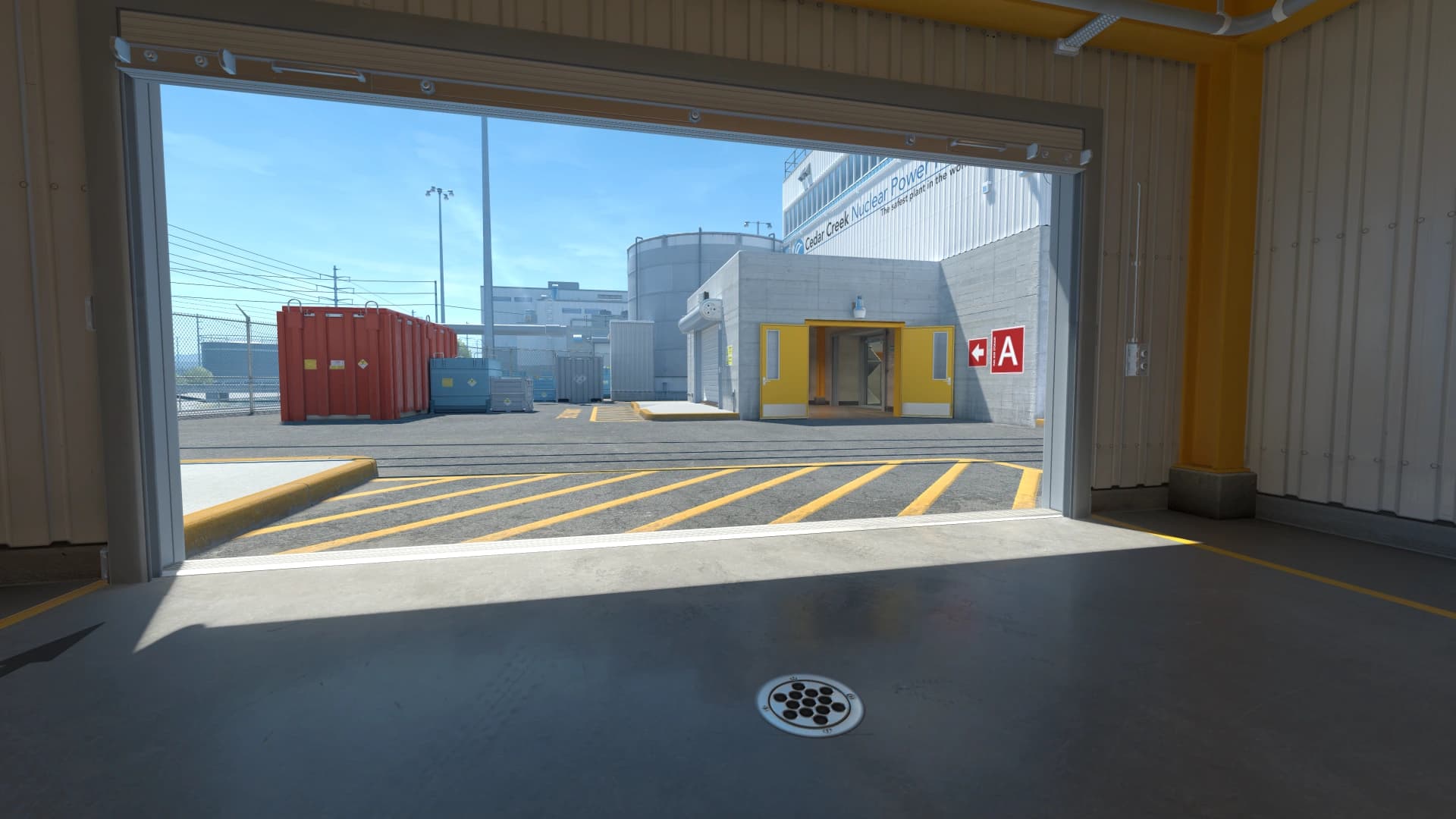
What stretched resolution changes
Stretched resolution expands a narrower aspect ratio across your display. Models can look wider, movement can feel faster, and your crosshair spacing may feel different.
Stretched resolution changes the way models, movement, and horizontal space feel. Some players like the larger target feel, while others dislike the reduced field of view impression.
A useful CS2 stretched resolution setup baseline should be easy to describe and easy to repeat. If you cannot explain why a value is there, treat it as temporary until testing proves it belongs.
- Write down the exact CS2 stretched resolution setup value you are testing.
- Compare it against your previous setup before deleting the old one.
4:3 stretched
4:3 stretched is popular because it creates a focused view and larger-looking models. The tradeoff is less horizontal information compared with 16:9.
- Judge comfort during real round pressure, not only in a clean preview.
- If the setting creates hesitation, simplify it.
Black bars
Black bars preserve the original 4:3 image without stretching it. Some players like the reduced visual width because it helps them focus on the center.
- Use the same routine every time you compare changes.
- Separate first impressions from results after several sessions.
How to choose
Play the same aim routine and map route on each option. Pick the setup that makes clearing angles, tracking, and spraying feel calmer.
If stretched feels good, tune crosshair and sensitivity afterward. A crosshair that looked perfect on native can become too large or too thick on 4:3 stretched.
- Keep the final version stable for at least a few play sessions.
- Review it only when you can name the problem you are solving.
Using Stretched Resolution in matches
The value of CS2 stretched resolution setup only shows up when it changes what you notice, how confidently you move, or how quickly you can commit to a fight.
- Try it in one full map session before calling it final.
- Watch whether it helps under utility, pressure, and time limits.
- Ask whether it reduces hesitation or creates another thing to manage.
- Keep notes after matches so the next tweak has a clear reason.
Stretched Resolution mistakes to avoid
Most problems with CS2 stretched resolution setup come from copying too broadly, judging too quickly, or changing several values at the same time.
- Do not judge the setting from one screenshot or one warmup map.
- Do not change multiple major settings during the same test.
- Do not copy a pro setting if it creates discomfort on your gear.
- Do not delete the old version before the new one is proven.
When to revisit Stretched Resolution
Do not rebuild CS2 stretched resolution setup every time you have a bad game. Revisit it when there is a pattern, a hardware change, a resolution change, or a CS2 update that genuinely affects how the game feels.
- Review after hardware, resolution, driver, or CS2 updates.
- Review when the same problem appears across several sessions.
- Avoid emergency changes right before serious matches.
- Archive the previous stable setup before testing the new one.
Stretched Resolution checklist
Use this checklist whenever you tune CS2 stretched resolution setup. It keeps the process repeatable and makes future changes easier to understand.
- Confirm the game and GPU are using the scaling mode you expect.
- Retune crosshair size after switching aspect ratio.
- Check whether fast enemy movement feels harder to track.
- Compare visibility on both close fights and long angles.