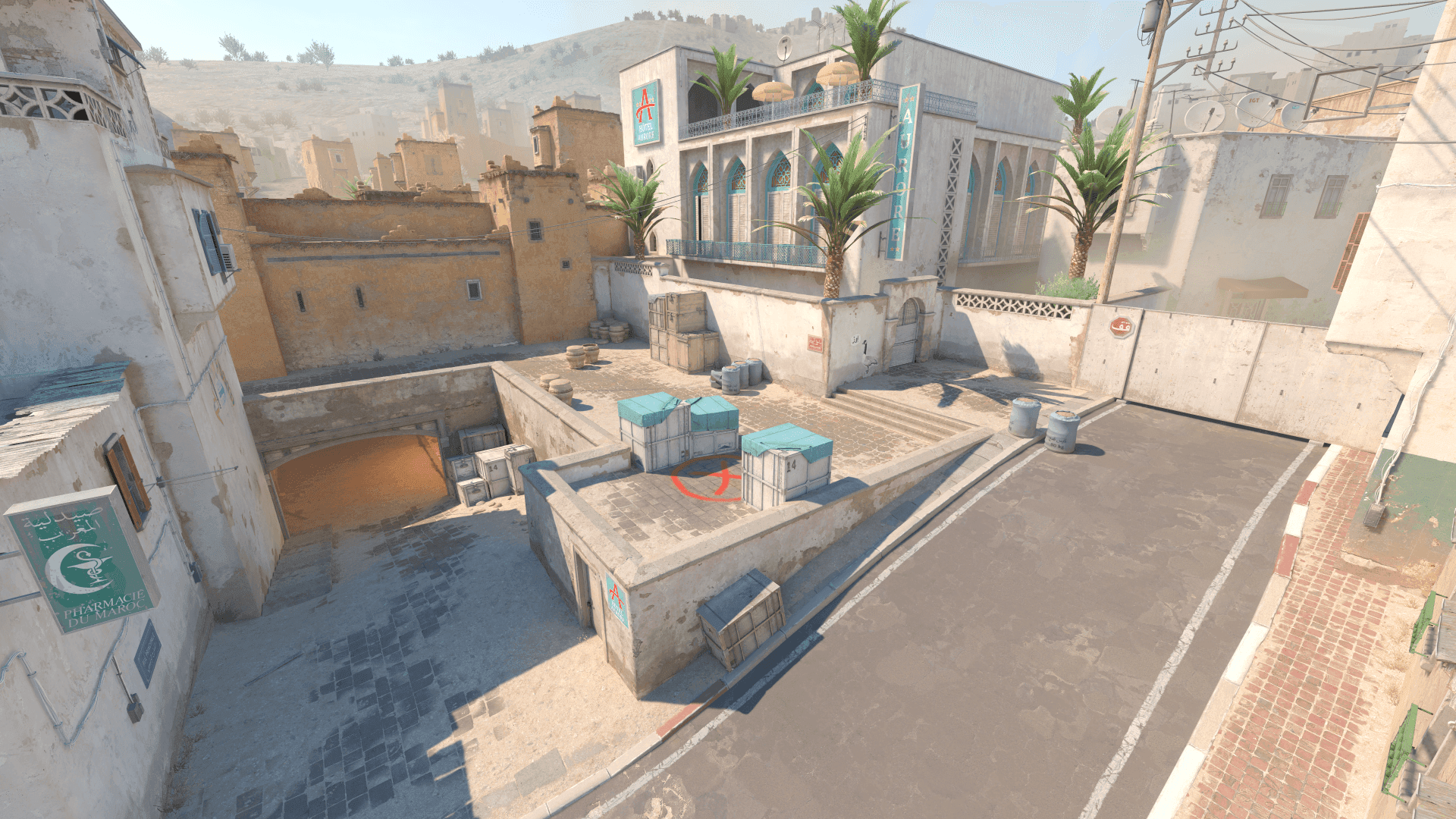
What Crosshair for Dark Maps changes
If the crosshair disappears in shadows, indoor sites, or dark corners, you lose time reacquiring the center before shooting.
Dark areas make low-brightness colors and thin outlines harder to read. A dark-map crosshair needs enough contrast without becoming oversized.
A strong CS2 crosshair visibility on dark maps setup should make real rounds easier to read. It should reduce hesitation, preserve comfort, and stay predictable when the match becomes noisy.
- Focus on the problem the setting is meant to solve.
- Keep changes easy to explain and easy to undo.
- Judge the result in match-like situations.
- Avoid copying values without context.
Recommended Crosshair for Dark Maps baseline
Start with a bright green, cyan, or yellow crosshair, then test subtle outline only if the base color still blends into the background.
- Start with a simple setup before adding advanced tweaks.
- Save the old version before testing.
- Change one major setting at a time.
- Keep the setup stable for more than one session.
How to test Crosshair for Dark Maps
Test on dark corners, indoor bombsites, shadowed walls, smoke edges, and late-round retakes. Keep the same map positions for every color comparison.
- Use the same routine for each comparison.
- Keep unrelated settings unchanged.
- Take notes after the session.
- Confirm results across several maps or drills.
Crosshair for Dark Maps by role and map
Anchors and lurkers often spend more time in shadowed positions, while entries need the crosshair to survive dark-to-bright transitions during hits.
- Test the setting in the fights your role actually takes.
- Check at least two maps with different visual styles.
- Prioritize repeated problems over one-off discomfort.
- Keep role-specific changes documented.
Using Crosshair for Dark Maps in matches
In matches, the crosshair should remain readable while clearing corners quickly. You should not need to hunt for the center before committing.
- Use it for a full map session before calling it final.
- Watch how it behaves in pistol rounds, buys, and retakes.
- Keep notes after real matches.
- Revert if it creates hesitation under pressure.
Crosshair for Dark Maps mistakes to avoid
The mistake is making the crosshair huge to fix dark visibility. Size helps, but color and outline are usually cleaner fixes.
- Do not change several major settings at once.
- Do not copy settings that do not fit your hardware or role.
- Do not delete the previous stable version.
- Do not judge only from screenshots or warmup.
When to revisit Crosshair for Dark Maps
Revisit dark-map visibility after changing monitor brightness, video settings, crosshair outline, or map pool.
- Review after hardware or resolution changes.
- Review after major CS2 or driver updates.
- Review when the same issue repeats across sessions.
- Avoid emergency changes right before serious matches.
Crosshair for Dark Maps checklist
Use this checklist when tuning CS2 crosshair visibility on dark maps. It keeps the process structured and prevents the usual cycle of random changes.
- Test color before increasing size.
- Use outline subtly if dark corners hide the crosshair.
- Check smoke edges and indoor fights.
- Avoid colors that blend with your main maps.